
Capture Receipts Clearly
Scan a receipt and ClearCapture reads the total, tax and date for you. Categorise, search and export to CSV or a PDF report, all on your device, no account needed.

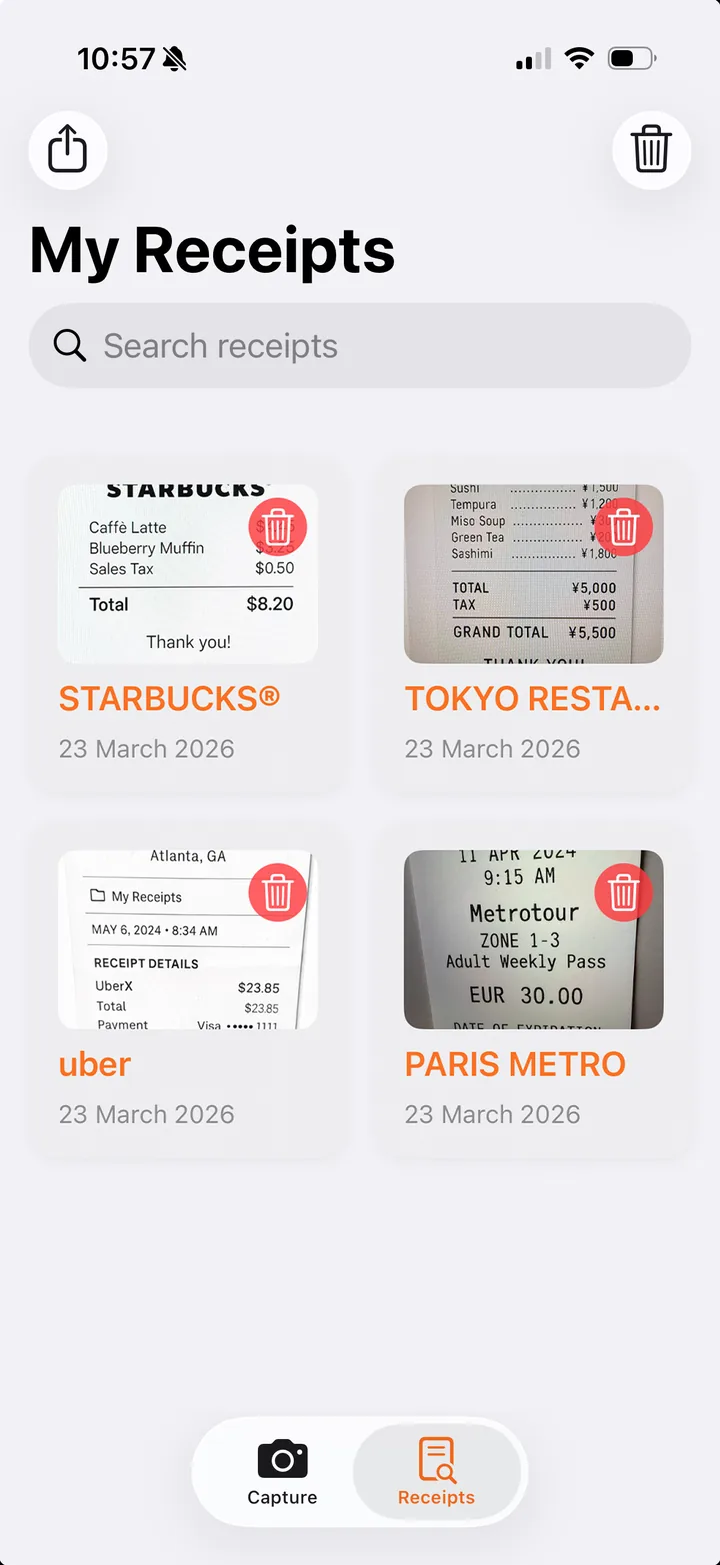
It Reads the Receipt for You
Point, scan, done. ClearCapture pulls the important details straight off the receipt so you don't have to type them.
- Total amount: finds the real total, not a line item.
- Tax / VAT: captured separately for your records.
- Date & currency: read from the receipt automatically.
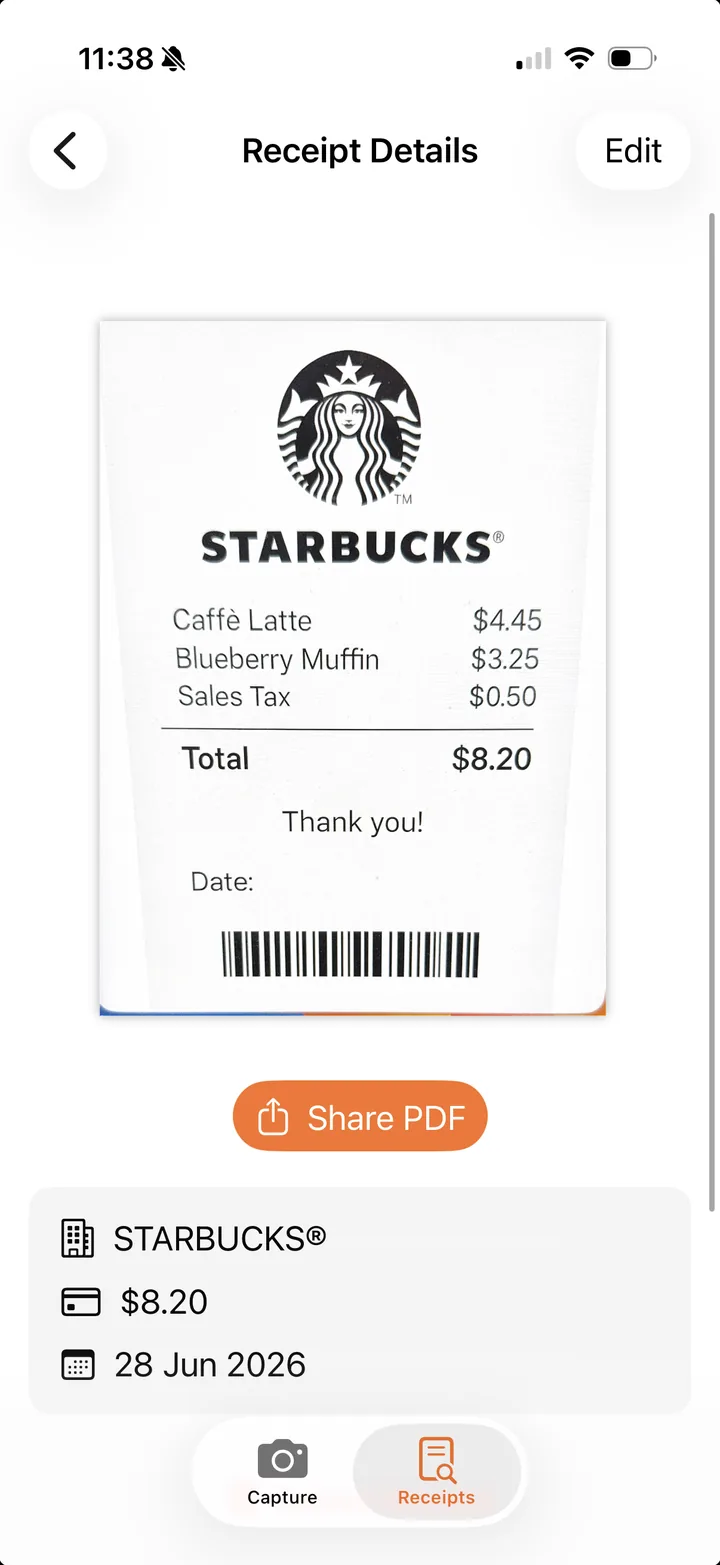
Edit Anything, Anytime
Captured something not quite right? Tap Edit and fix the merchant, amount, tax, date, category, or notes in seconds. Any receipt, any time.
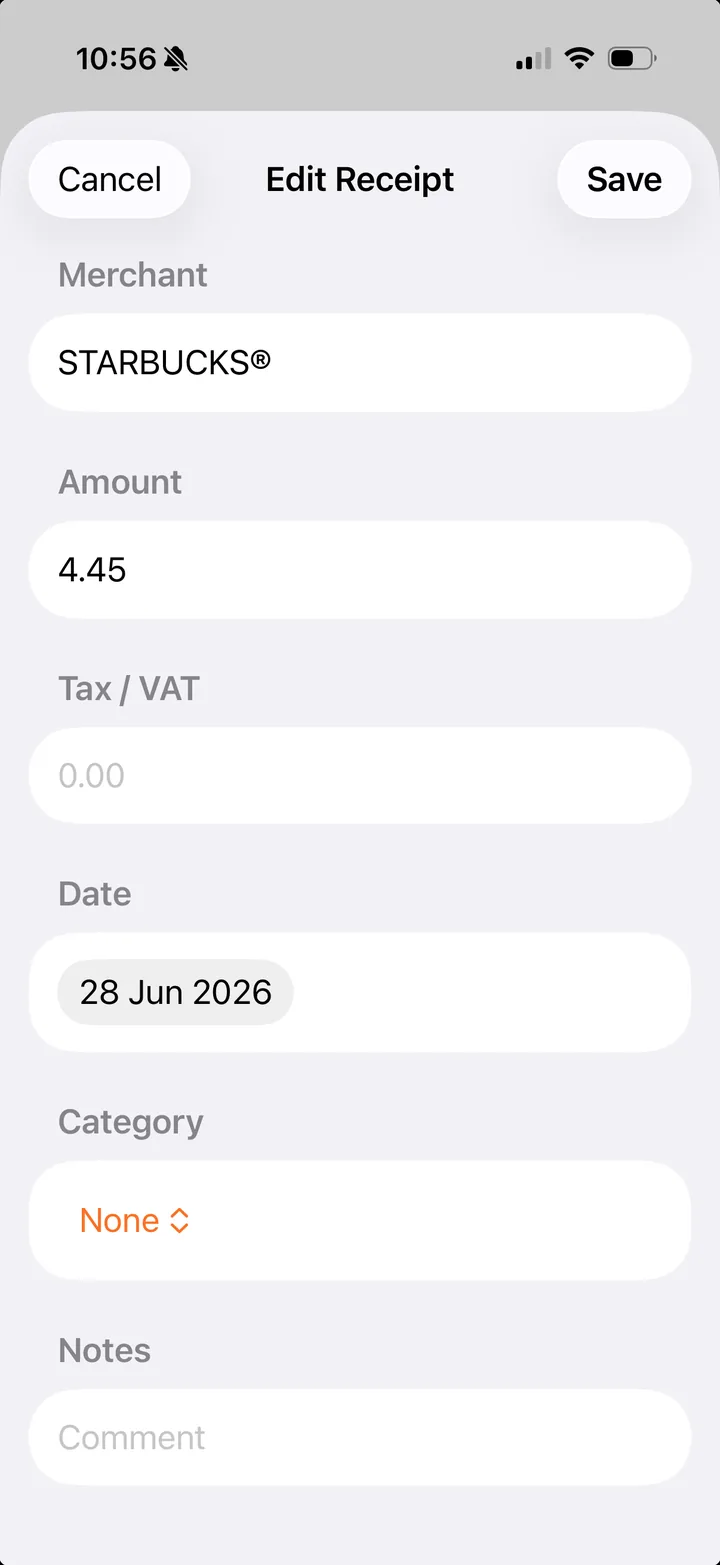
Export for Your Accountant
One tap turns your receipts into the format you need, keeping the data and the proof together.
- CSV spreadsheet: drops straight into Excel or accounting software.
- PDF expense report: a summary table plus every receipt image, ready to send.
- Single PDF: share any one receipt via Mail or AirDrop.
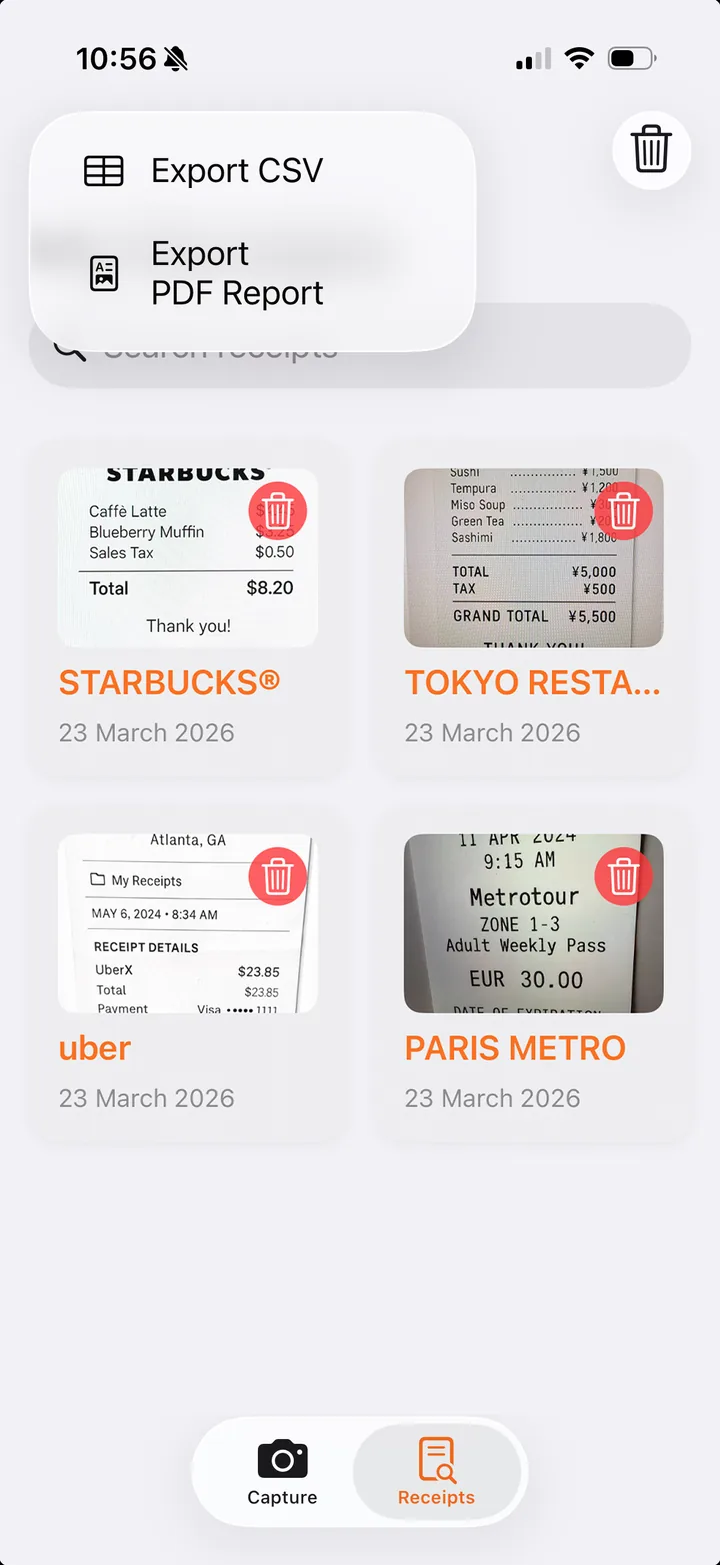
Everything You Need, Nothing You Don't
Automatic Capture
Reads the total, tax, date and currency from the receipt. No typing required.
Expense Categories
Tag receipts (Meals, Travel, Fuel and more) mapped to standard accounting categories.
CSV Export
Export every receipt as a spreadsheet for Excel, Numbers, or your accounting tool.
PDF Reports
A summary table plus every receipt image in one document, ready for your accountant.
Search & Edit
Find any receipt by merchant or category, and edit any detail after saving.
Fully Private
No account, no sign-in. Every receipt stays on your device and is never uploaded.
Your Privacy, Protected
ClearCapture requires no account or sign-in. All receipt capture, review, editing, deletion, and export happens entirely on your device. Nothing is sent to any server.
The app displays lightweight banner ads via Google AdMob. Personalised advertising is disabled, user tracking is not used, and the app complies with Apple's App Tracking Transparency requirements.